Export ChatGPT conversations as PDF, Markdown, Text, CSV, JSON and Image. Download your ChatGPT results with perfect formatting preserved.
Follow the steps to useChatGPT Conversation Export
open chatgpt.com
navigate to the conversation you want to export
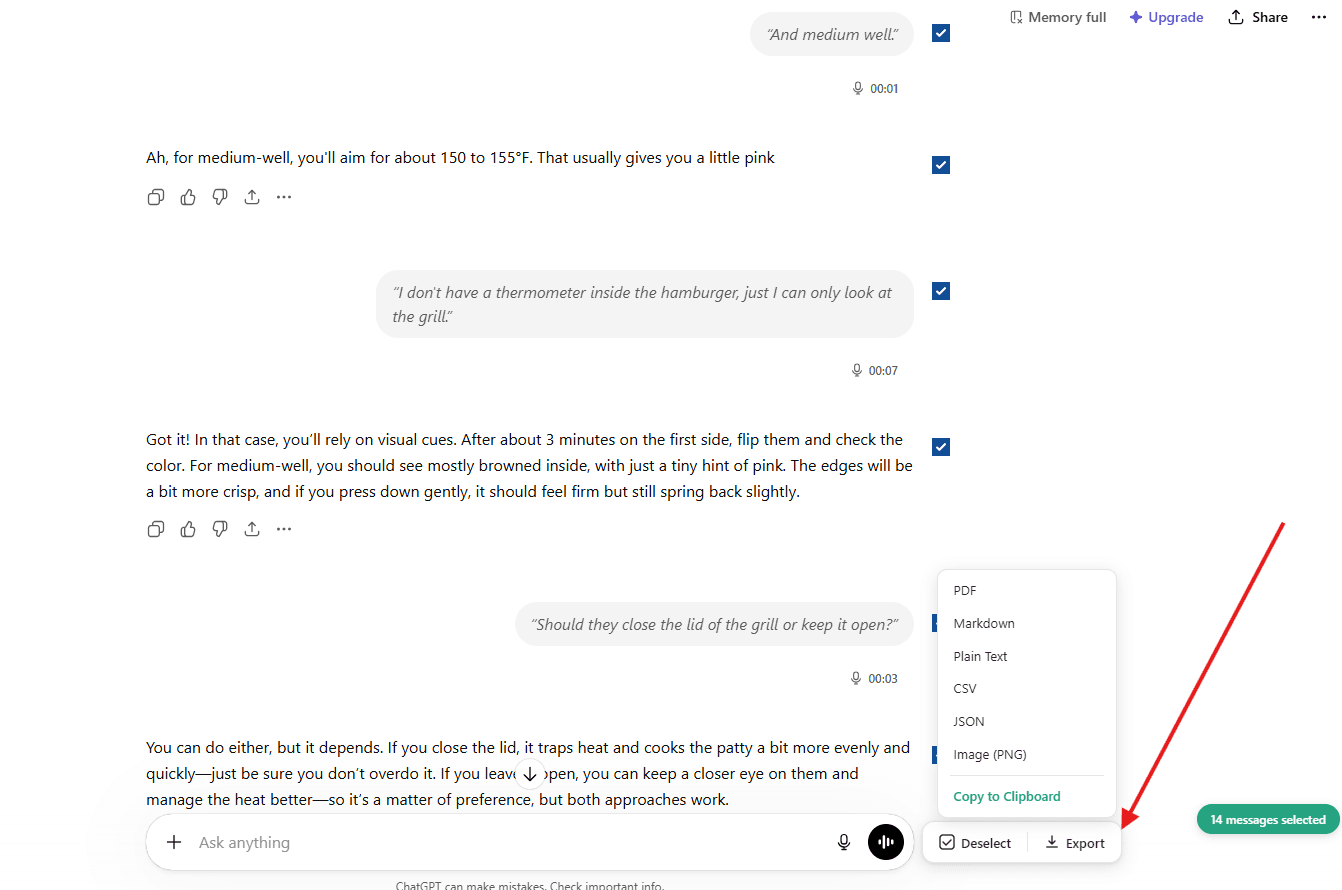
click 'Select' button, then choose what to export
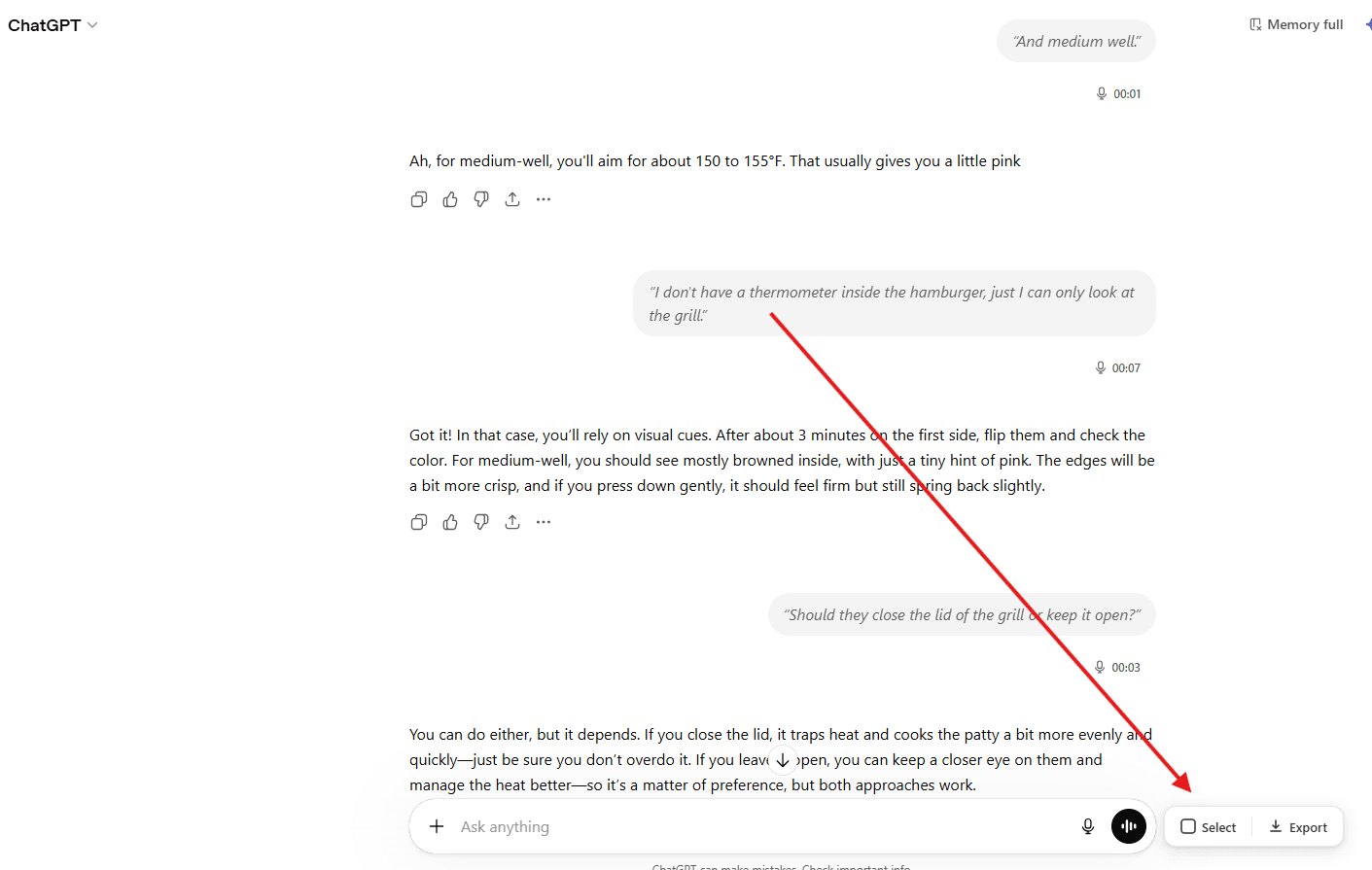
1. you can check/uncheck individual messages
2. use Select All / Deselect All for bulk actions
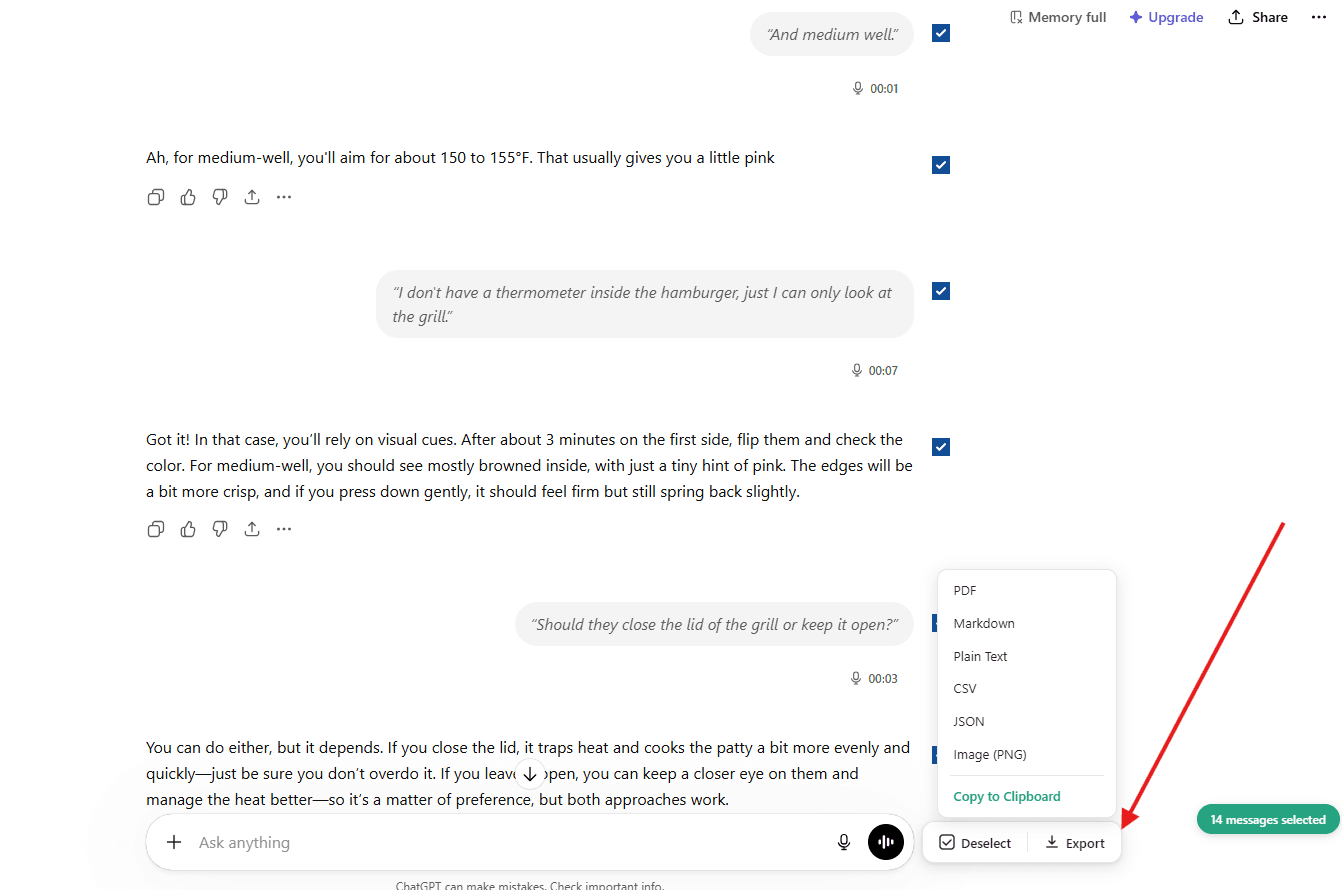
click 'Export' button, then choose file format
Frequently Asked Questions
Common questions about ChatGPT Conversation Export
Powerful Features
make exporting effortless
Download as PDF, Markdown, and more
Export your ChatGPT conversations in 6 formats: PDF, Markdown, Plain Text, CSV, JSON, and Image (PNG). Each format is optimized for its use case — PDFs for sharing, Markdown for docs, CSV for data analysis.
Export part of the conversation
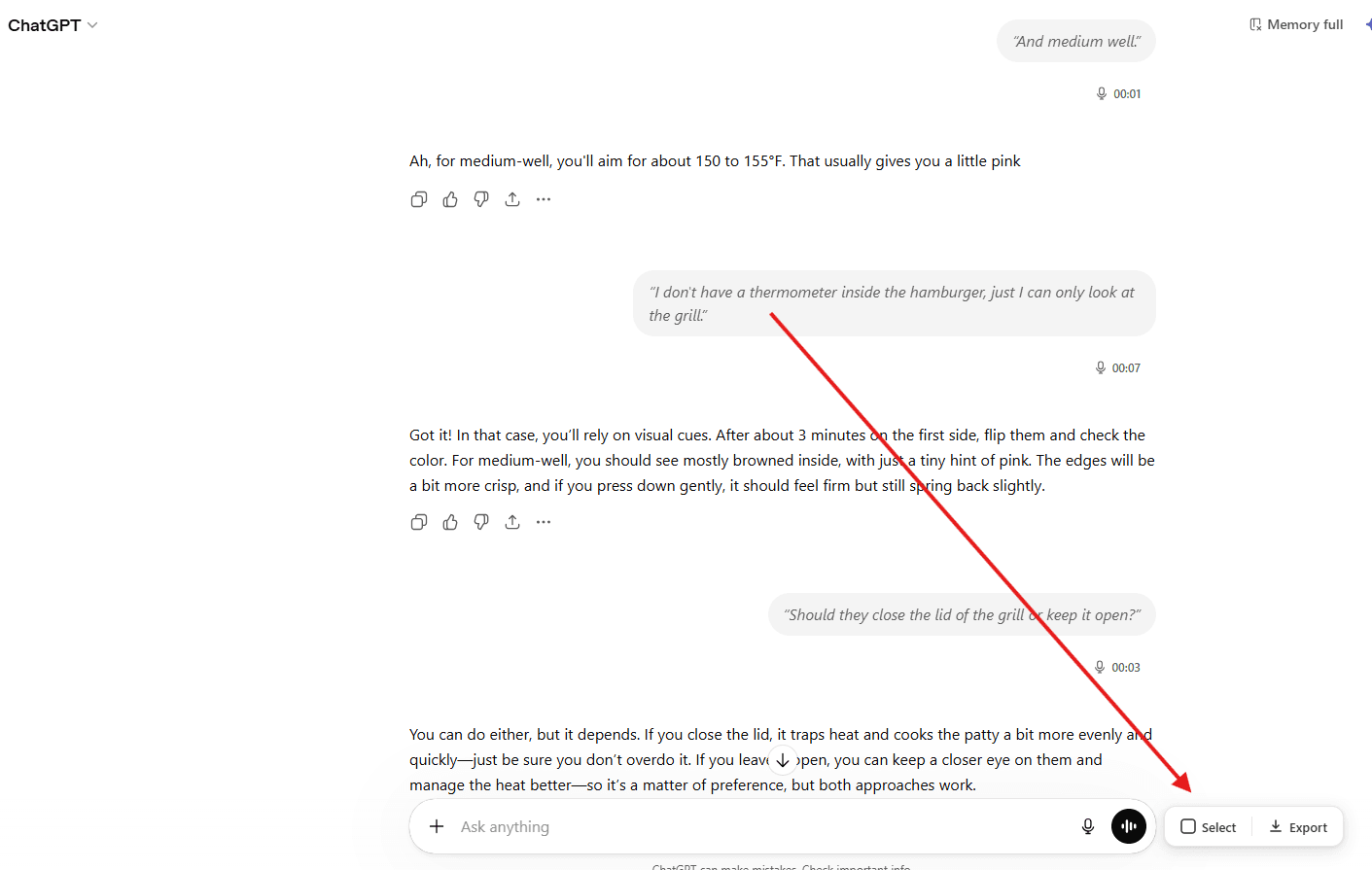
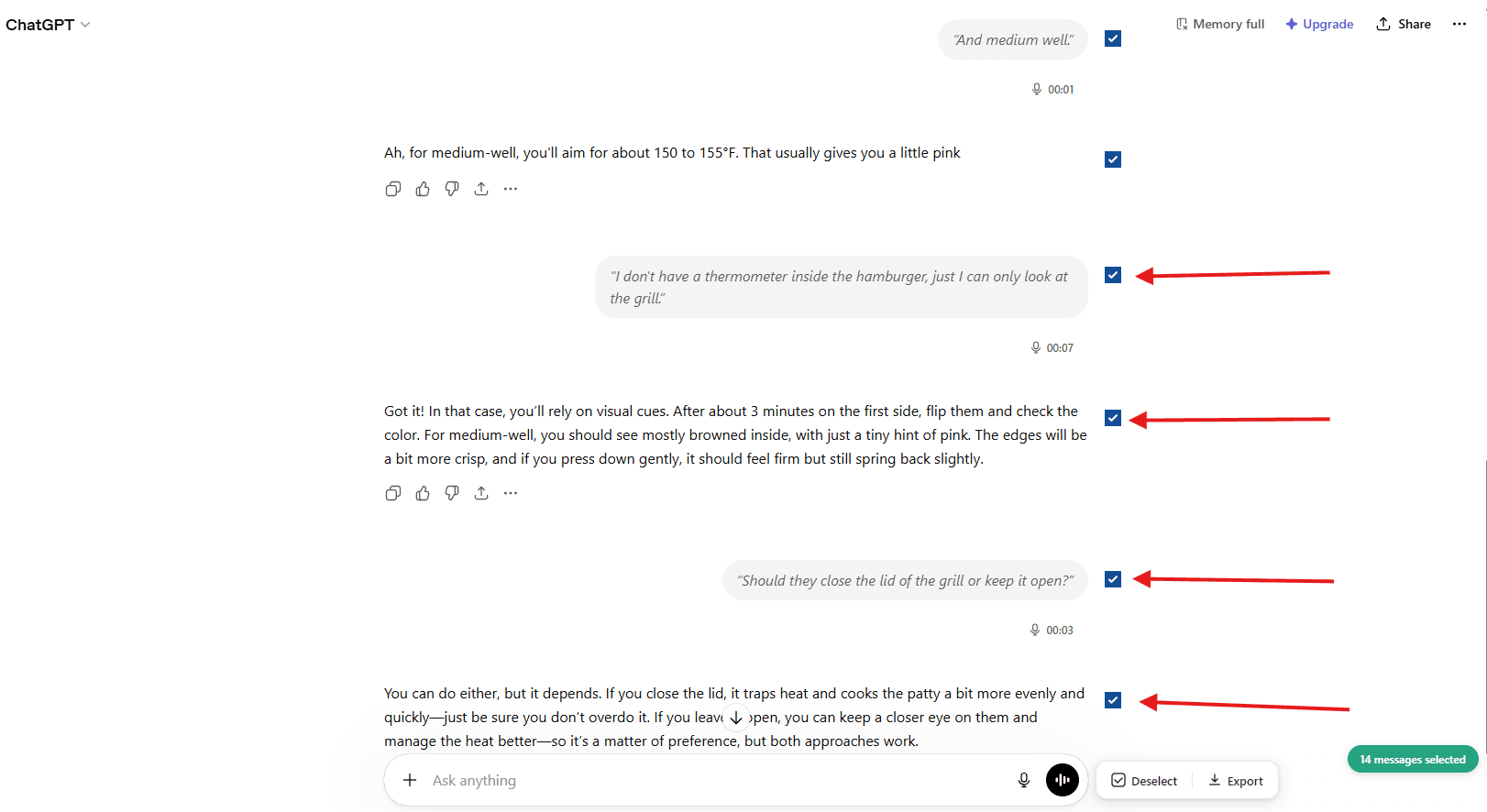
You are not forced to download the entire conversation. Use the Select button to enter selection mode, then check or uncheck individual messages. A counter shows how many messages you have selected. Export only what you need.
- Check or uncheck individual messages
- Select All / Deselect All toggle
- Visual count of selected messages
Customizable export settings
Set your preferred filename pattern. Choose the PDF page format (A4, Letter, Legal), margins (normal, narrow, wide), font family, and font size. Toggle dark mode for exports. Include or exclude conversation link, date, and user info.
- Custom filename patterns
- PDF page size, margins, and fonts
- Dark or light mode for exports
- Include conversation link and metadata
Preserves advanced outputs
Code blocks keep their syntax highlighting and language tags. Math formulas render correctly. Tables maintain their structure. Thinking and reasoning process from o1/o3 models is captured. Deep research outputs, canvas content, and embedded images are all preserved.
- Code blocks with syntax highlighting
- Math formulas (LaTeX/KaTeX)
- Tables and nested lists
- Thinking/reasoning sections (o1/o3 models)
Ready to dive in?
Start exporting your ChatGPT conversations
Open ChatGPT and try it now. Your first 5 exports are free. No account required.
Open ChatGPT to Get Started5 free exports•No account required• 100% private